Searching for how to cancel Klook membership usually means one of two things: you want to stop earning KlookCash and step back from the loyalty program, or you want your account gone completely. This guide covers both, using only Klook’s own official help pages, not guesswork.
Table of Contents
Here’s the twist nobody tells you upfront: Klook does not actually sell a paid subscription called “membership.” What most people mean is Klook Rewards, the free loyalty program every account gets automatically. You can confirm this yourself directly on the official Klook website before making any changes to your account.
We dug through Klook’s help center, its rewards program terms, and its account deletion policy so you get the real steps instead of a recycled forum post. If you compare travel platforms often, our other reviews on ExpertReviewsPro cover similar account and cancellation questions across different booking sites.
What Is Klook Membership, Really?
Klook membership refers to Klook Rewards, a free three-tier loyalty program with Explorer, Gold, and Platinum levels. You are placed in Explorer automatically the moment you create an account, no payment or opt-in required.
There is no monthly fee attached to any tier, and no separate subscription toggle sitting in your settings. That single fact changes how “canceling” actually works here, so keep it in mind as we go through the steps.
Why So Many People Search How to Cancel Klook Membership
Most people typing how to cancel Klook membership into Google are not trying to stop a recurring charge, since none exists. They usually want one of three things: fewer marketing emails, a fresh account after a bad experience, or full data removal for privacy reasons.
Understanding which of these actually applies to you matters, because the fix is different each time. Muting notifications takes seconds in your app settings, while genuinely walking away from Klook membership requires the full account deletion process covered below.
Klook Membership Benefits: What You Would Be Giving Up
Klook membership benefits scale with your tier. Explorer members earn KlookCash on every booking and get a welcome eSIM coupon. Gold and Platinum members earn KlookCash faster and unlock member-only pricing on select tours and activities.
Higher Klook membership benefits also include bonus coupons. Platinum members, for example, receive travel insurance and luggage delivery discounts on top of standard perks. Losing access to these Klook membership benefits is the real cost of walking away from your account.
How to Cancel Klook Membership: Step by Step
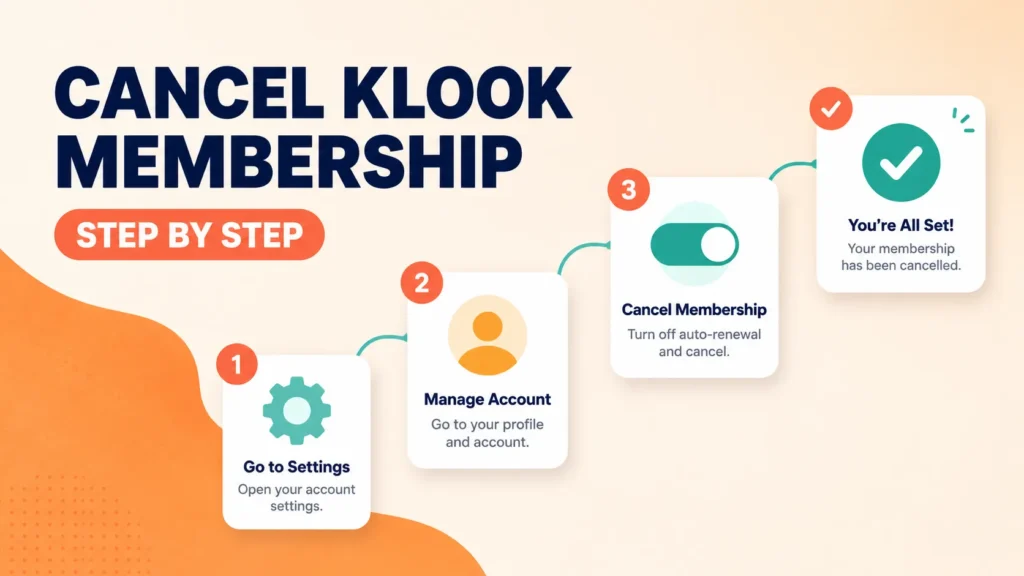
Since there is no dedicated “cancel membership” button, the only real way to fully exit is deleting your Klook account. This removes your Rewards tier, KlookCash balance, bookings, reviews, and saved wishlist all at once, according to Klook’s own account help page. The easy steps to cancel Klook membership below work identically whether you started on desktop or mobile.
Easy Steps to Cancel Klook Membership on the Website
Click your profile picture in the top right corner, then select “Settings.” Scroll to the bottom and click “Delete account.” Confirm using your password or third-party login verification, then finish the deletion. These easy steps to cancel Klook membership take just a couple of minutes.
Easy Steps to Cancel Klook Membership in the App
Open the Account tab in the bottom right corner, tap “Settings,” then go to “Account security” and select “Delete account.” Confirm with your password or third-party verification. These easy steps to cancel Klook membership work the same way whether you are on iOS or Android.
Can You Cancel Klook Membership by Phone?
No, and this trips people up constantly. There is no option to cancel Klook membership by phone, since Klook does not operate a general customer service hotline for account changes. Deletion has to happen through the website or app directly.
If you were hoping to cancel Klook membership by phone the way you might cancel a gym subscription, that workflow simply does not exist here. Klook’s support team communicates through in-app chat, not a call center for account closures. Even frequent travelers who prefer talking to a real person cannot cancel Klook membership by phone, no matter which region they book from.
Klook Membership vs Loyalty Programs on Other Travel Apps
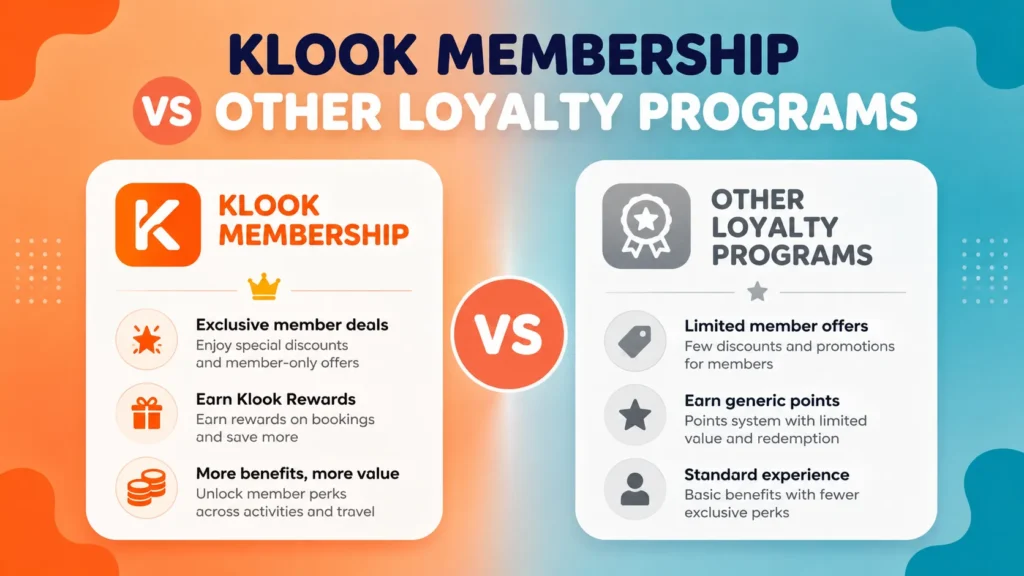
Compared with airline miles or hotel loyalty tiers, Klook membership is refreshingly low-stakes. There is no annual fee, no card required, and no penalty for letting your tier lapse in inactivity. Some travel apps quietly downgrade you after a year of no bookings, while Klook’s tiers behave similarly but without any financial commitment tied to them.
This is worth remembering before you rush to cancel Klook membership online just to escape a loyalty program. Unlike a paid subscription box or a streaming service, there is genuinely nothing draining your bank account in the background here.
Cancel Klook Membership Online: What Actually Happens
When you cancel Klook membership online through account deletion, your KlookCash balance disappears immediately and cannot be transferred or restored later. Outstanding bookings and promo codes are lost too, so cancel or use them first.
Choosing to cancel Klook membership online is permanent. Klook’s own help documentation confirms your personal data gets removed from their systems once the deletion request goes through, so there is no simple undo button afterward.
Before You Cancel: What Happens to Your Bookings and KlookCash
Any KlookCash sitting in your account vanishes the moment you delete it, along with unused promo codes. If you have upcoming bookings, either let them finish or cancel them individually first, since deletion does not automatically process refunds for you.
Reviews you wrote and your wishlist disappear too. If you built up Gold or Platinum status through past spending, that progress resets completely if you ever create a new Klook account later.
Common Mistakes People Make When They Cancel Klook Membership Online
The biggest mistake is forgetting about unused KlookCash before you cancel Klook membership online, since that balance cannot be refunded or moved to a new account afterward. Spend it down first if you have any meaningful amount sitting there.
Another common slip is deleting the account while a booking is still active. Handle pending cancellations or activities first, then move on to deleting your profile, so you are not stuck chasing a refund on an account that no longer technically exists.
What Is Free Cancellation on Klook? (And Why It’s Different From Membership)
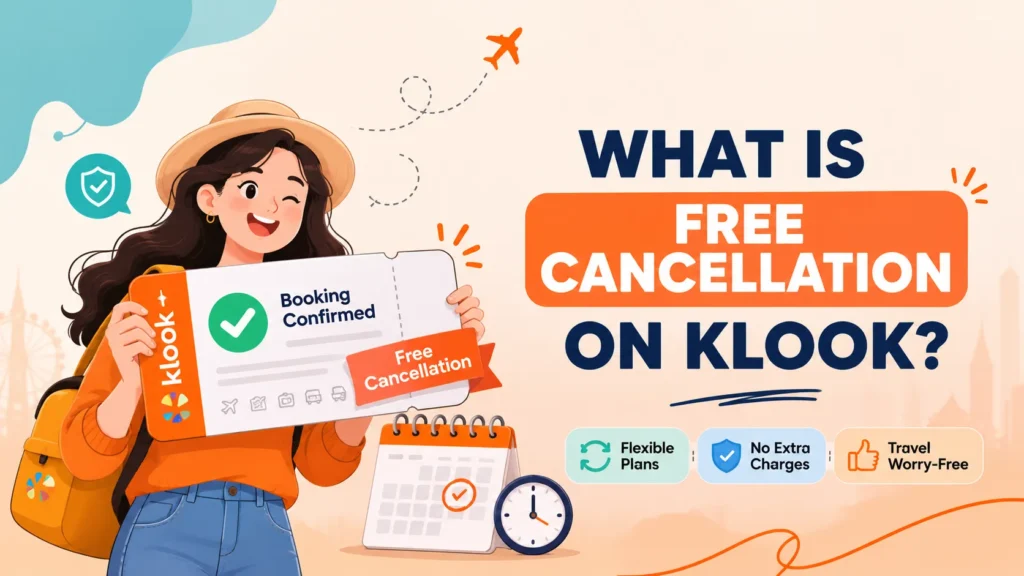
Free cancellation is a booking-level policy, completely separate from your membership status. It means a specific activity, hotel, or car rental can be cancelled for a full refund before a stated deadline, shown on your booking’s Terms and Conditions page.
Does free cancellation mean fully refundable? Only within that window. Once the deadline passes, the booking usually becomes non-refundable or subject to a cancellation fee set by the operator, not by Klook’s account or membership system.
Refund timing also depends on how you originally paid. PayPal refunds tend to process almost instantly, while card refunds typically take five to seven business days, and occasionally up to thirty days depending on your bank’s own processing schedule.
How to Contact Klook Customer Support
The most reliable way to speak to someone at Klook is through the in-app or website chat. Go to your Bookings page, select the relevant booking, and click “Chat with us” for booking-specific issues, or use the general Help Center chat for account questions.
If chat cannot resolve your issue, Klook’s help documentation points to email support as a secondary channel for more complex complaints, including account deletion problems or unresolved refund disputes. Keep your booking reference number handy no matter which channel you use, since it speeds up almost every support conversation. If you are still deciding whether Klook is worth sticking with, our full Klook review breaks down how its support and refund process actually holds up.
Response times vary by region and issue type, but chat typically gets a reply faster than email during business hours. For anything urgent, like a same-day activity problem, chat through your Bookings page remains your fastest option by far.
How Do I Complain to Klook?
Start with the in-app chat and clearly explain your issue, including your booking reference number. If the response does not resolve things, ask to escalate within the chat itself, since Klook’s support agents can route unresolved cases to a specialist team.
Is Klook a Travel Agent?
Not exactly. Klook operates as an online marketplace connecting travelers with independent tour operators, hotels, and transport providers, similar in spirit to how our other travel platform breakdowns on ExpertReviewsPro compare marketplaces versus traditional agencies.
Final Thoughts: Is Canceling Your Klook Membership the Right Move?
If you are wondering how to cancel Klook membership because of one bad experience, consider that Klook membership benefits like KlookCash and member pricing are entirely free to keep, with nothing to lose by simply not booking again.
Full account deletion makes more sense if you genuinely want your data gone or plan to stop using Klook for good. Otherwise, letting your account sit inactive costs you nothing at all.
Alternatives to Fully Canceling Klook Membership
If your real complaint is too many promotional emails, check Notification Settings before jumping straight to deletion. You can usually turn off marketing emails and push notifications while keeping your KlookCash balance and Rewards tier fully intact.
If privacy is your main concern instead, review what personal data Klook stores under Account Settings first. Sometimes updating your email preferences or unlinking a social login solves the underlying problem without forcing you through full account deletion.
This matters because once you cancel Klook membership by phone or online through deletion, there is genuinely no in-between option. It is either full access with your current Rewards tier intact, or nothing at all, so weigh the smaller fixes first. And if you are cancelling because you are planning to book through a different platform going forward, it is worth seeing how GetYourGuide compares before you commit to switching.
Frequently Asked Questions
Is it easy to cancel with Klook?
Yes, deleting your account through Settings takes only a few minutes on the website or app. Booking cancellations are separate and depend on each activity’s specific cancellation policy.
How do I permanently delete my Klook account?
Go to your profile, select Settings, scroll down, and click “Delete account.” Confirm with your password or third-party login, and your account is permanently removed.
What is free cancellation on Klook?
It means you can cancel a specific booking for a full refund before a stated deadline shown in your booking’s terms. After that deadline, refunds usually are not available.
How do I speak to someone at Klook?
Use the in-app or website chat through your Bookings page or the Help Center. This is Klook’s main support channel for both account and booking questions.
How do I cancel my payment on Klook?
You cannot cancel a payment directly; instead, cancel the related booking through your Bookings page, and any eligible refund follows that activity’s cancellation policy.
Does free cancellation mean fully refundable?
Only before the stated deadline. Once that window closes, the booking typically becomes non-refundable or subject to a fee charged by the operator.
How do I email Klook customer service?
Klook’s help center recommends starting with in-app chat first. If your issue is unresolved, the chat agent can direct you to the appropriate email channel for follow-up.
How do I complain to Klook?
Explain your issue through the in-app chat with your booking reference handy. Ask to escalate if the first response does not resolve your concern.
Is Klook a travel agent?
Not traditionally. Klook works as an online marketplace linking travelers with independent tour operators, hotels, and transport providers rather than acting as a classic travel agency.
This article contains affiliate links. If you purchase through our links, we may earn a commission at no extra cost to you. We only recommend products we genuinely believe in. Read our Affiliate Disclaimer for full details.