Google Search Console Finally Lets You Add Social Profiles, and honestly, it’s about time. For years, Search Console only cared about websites with a verified domain. Creators who built entire audiences on Instagram, TikTok, X, or YouTube had zero visibility into how Google treated their content. That gap just closed.
Table of Contents
What Are Platform Properties in Google Search Console?
Google calls this new feature platform properties. Moshe Samet, Product Manager Lead for Search Console, announced it in a Search Central blog post on July 7, 2026. A platform property works like a regular Search Console property, except you verify a social account instead of a domain. No website, no DNS record, and no code snippet required.
This builds on a smaller experiment from December 2025, when Google briefly folded social-channel data into existing Insights reports. That version worked automatically and only for site owners. In short, Google Search Console now lets you add social media profiles manually, and anyone who owns a supported account can use it, website or not.
Which Social Media Platforms Can You Connect?
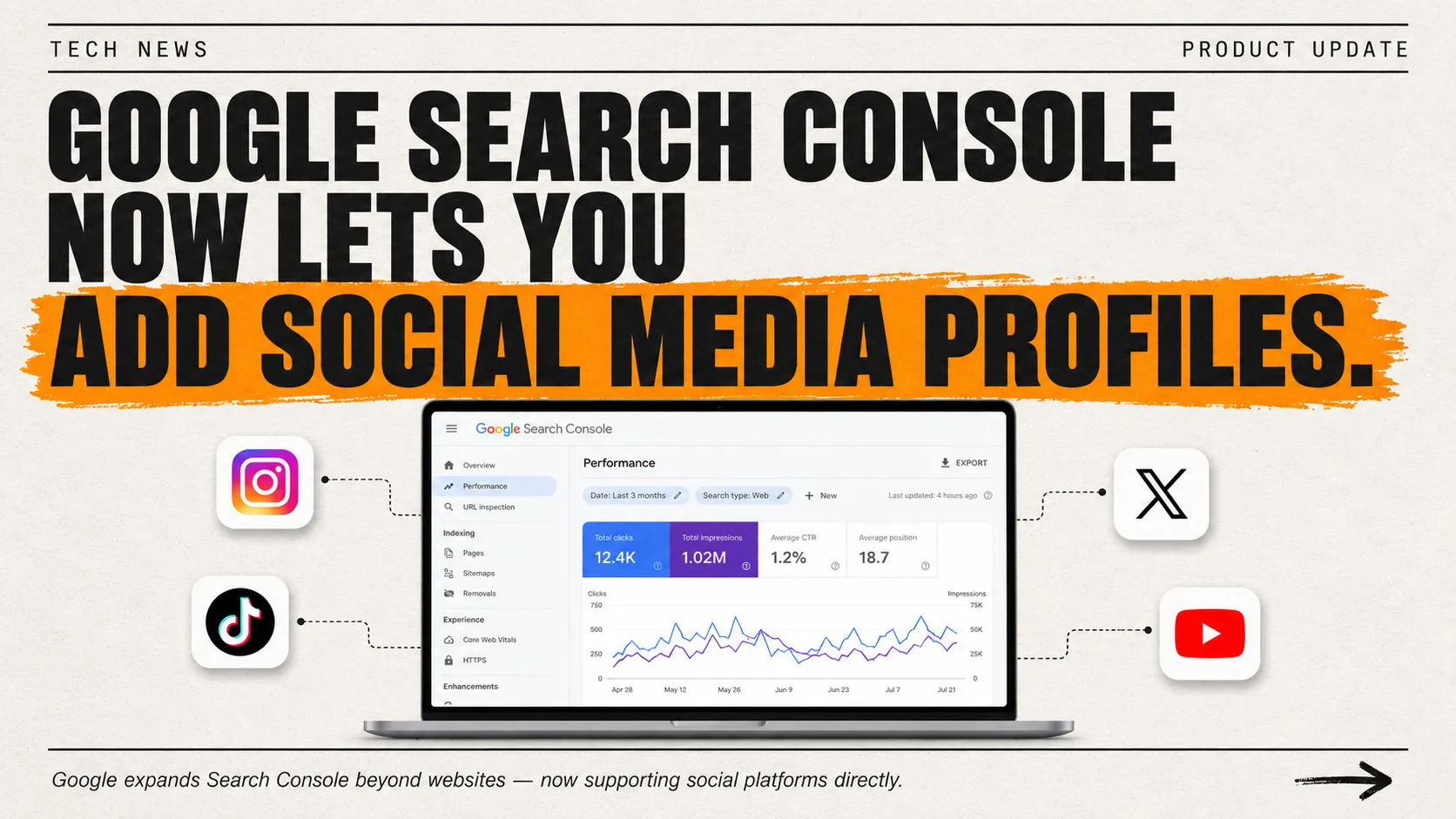
At launch, Google Search Console now supports social accounts on four platforms: Instagram, TikTok, X, and YouTube. Facebook and LinkedIn didn’t make the initial list. Google’s own announcement frames this as a starting point rather than a finished feature set, so more platforms could join later.
If you manage several brand or creator accounts, this is worth testing as soon as it appears in your dashboard. Our team at ExpertReviewsPro keeps tracking Search Console changes like this one, since the same underlying logic, more visibility with less guesswork, tends to apply across every SEO tool worth using.
How to Connect Google Search Console with Instagram
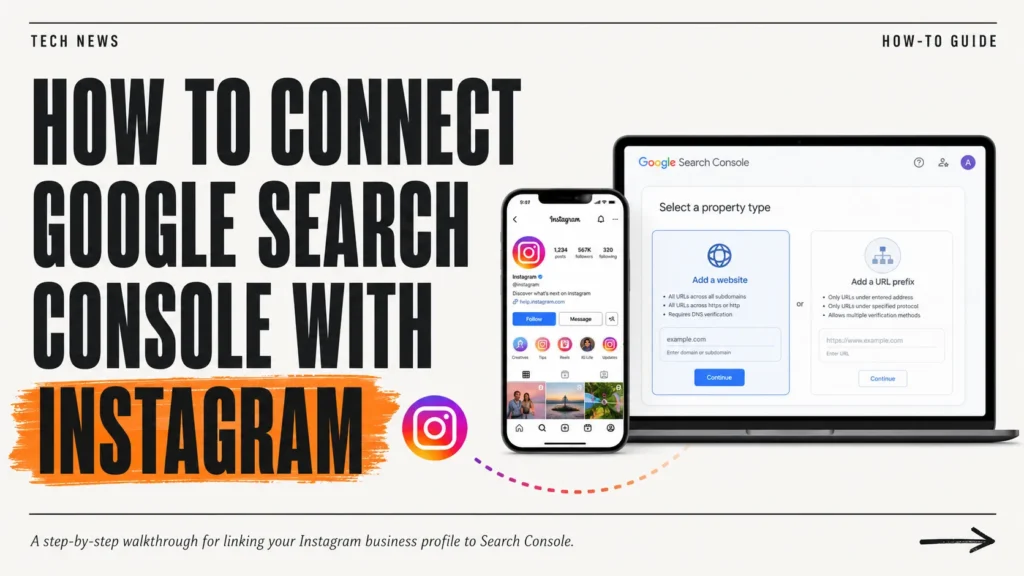
Learning how to Connect Google Search Console with Instagram takes a few minutes. Open Search Console and click the property selector in the top-left corner. Choose “Add property,” then pick Instagram from the list. Follow the on-screen prompts to sign in and authorize the connection.
Google verifies ownership through the platform itself, not through your website. Once verified, click “Go to property.” Initial data may take a few days to populate, and the same steps apply almost exactly for TikTok and X.
What Data Will You Actually See?
Each platform property comes with three reports. Performance shows total clicks, impressions, and the exact search queries sending traffic your way. Insights highlights recent trends and your best-performing posts. Achievements marks milestones, like crossing a new click threshold within the last 28 days.
One clarification worth repeating: this measures Google Search and Discover, not your in-app analytics. Search Console will never tell you how a Reel performed inside Instagram itself, only how that Reel performed when someone searched Google for it.
Platform Properties vs. Search Profiles: Don’t Mix Them Up
Google launched Search profiles back in June 2026, and people keep confusing the two. A Search profile is a public, shareable page that showcases your content to followers. A platform property is private analytics, for you alone, with no public-facing element at all. Google Search Console now supports social accounts for measurement, not exposure.
How to Connect Google Search Console with YouTube
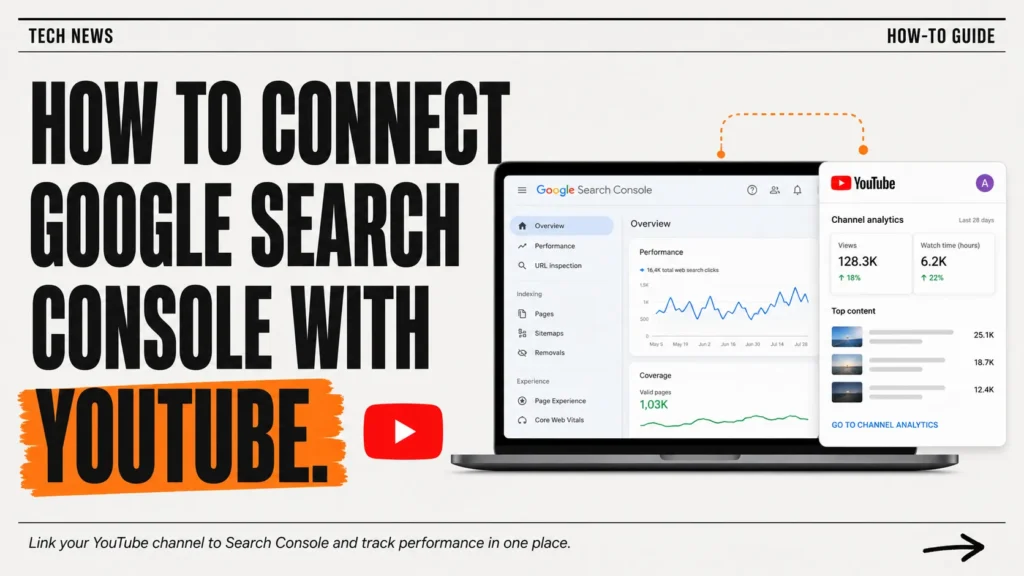
YouTube follows the same flow. Add a platform property, select YouTube, and sign in with the Google account tied to your channel. Because YouTube already sits inside Google’s own infrastructure, verification tends to be the fastest of the four.
Anyone who wants to Connect Google Search Console with YouTube gets a real payoff if they already publish Shorts or long-form videos. You’ll see which search queries pull viewers toward your channel, something YouTube Studio simply doesn’t show the same way.
Why This Update Actually Matters
Here’s the real headline: Google Search Console now lets you add social media profiles for the first time without owning a website at all. Social-only creators finally get a seat at the same data table that website owners have used for over a decade. That’s a genuine shift, not a rebrand of an old feature.
Think of it as Google finally admitting your Instagram grid deserves the same respect as your homepage. No cape, no confetti, just long-overdue analytics parity for people who never touched a line of HTML.
When Will You See It in Your Account?
Google says the rollout is gradual and will continue over the coming weeks. If the “Add platform property” option isn’t showing up yet, you haven’t done anything wrong. Early access reportedly reached accounts that already had Search profile access first, so check back periodically rather than filing a support ticket.
The Bottom Line of Google Search Console Finally Lets You Add Social Profiles
Google Search Console now supports social accounts in a way it never has before, and that changes how creators measure their real footprint on Google. Whether you run a YouTube channel, an X account, or a TikTok page, this update hands you a genuine window into your search visibility. For deeper breakdowns like this one, ExpertReviewsPro tracks every meaningful Search Console update as it lands, alongside Search Engine Journal’s ongoing coverage of the rollout.
Frequently Asked Questions
What is a platform property in Google Search Console?
A platform property is a new Search Console property type that lets you connect a social or video account instead of a website, so you can track its performance in Google Search and Discover.
Which social media platforms can I connect to Google Search Console?
At launch, Google supports Instagram, TikTok, X, and YouTube. Facebook and LinkedIn aren’t included yet, though Google has hinted more platforms could join the list later on.
Do I need a website to add a social profile to Search Console?
No. That’s the whole point of platform properties. You only need to own and verify the social or video account itself, nothing more, nothing less.
How is a platform property different from verifying a website property?
A website property verifies domain ownership through DNS or file upload. A platform property verifies a social account by signing in directly, with no code or website required at all.
Will connecting my social profile to Search Console improve my Google rankings?
Not directly. It shows how your content already performs in Search; it doesn’t change rankings by itself. It does help you spot which content and queries are already working.
What data can I see after adding a social media profile to Search Console?
You’ll get Performance data (clicks, impressions, queries), Insights on trending posts, and Achievements marking milestones, all specific to that platform’s content in Google Search.
How do I add Instagram, TikTok, X, or YouTube to Google Search Console?
Open Search Console, click “Add property,” pick your platform, and follow the sign-in prompts to authorize the connection. Verification usually takes just a few minutes.
Why isn’t the “Add platform property” option showing up in my account yet?
Google is rolling this out gradually over several weeks, not all at once. If it’s missing, nothing is broken; just check back periodically until it appears.
Is this the same as adding social profiles for the Knowledge Panel?
No. Adding profile links to your site’s schema markup helps your Knowledge Panel. Platform properties are a separate feature focused purely on Search performance data.
Can I add multiple social accounts as separate platform properties?
Yes. Each account, whether Instagram, TikTok, X, or YouTube, becomes its own separate platform property with its own dedicated reports.
This article contains affiliate links. If you purchase through our links, we may earn a commission at no extra cost to you. We only recommend products we genuinely believe in. Read our Affiliate Disclaimer for full details.