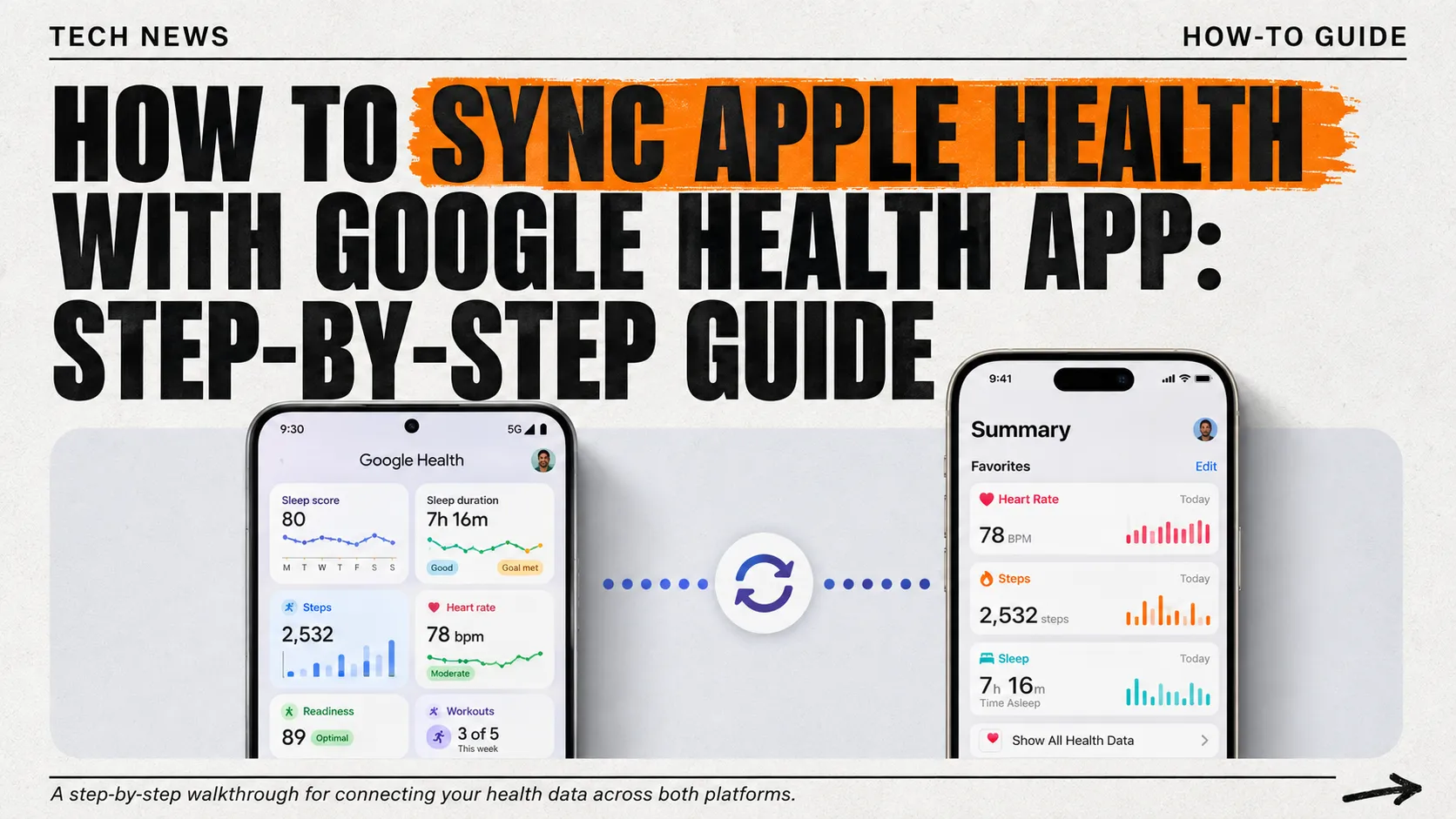
Wondering how to sync Apple Health with the Google Health app now that both directions finally work? Google just shipped version 5.05 of the Google Health app, and it fixes a genuinely annoying gap: your Fitbit data can now flow into Apple Health instead of just sitting inside Google’s ecosystem. Here’s exactly how to set it up.
Table of Contents
What Changed Between Fitbit and Apple Health
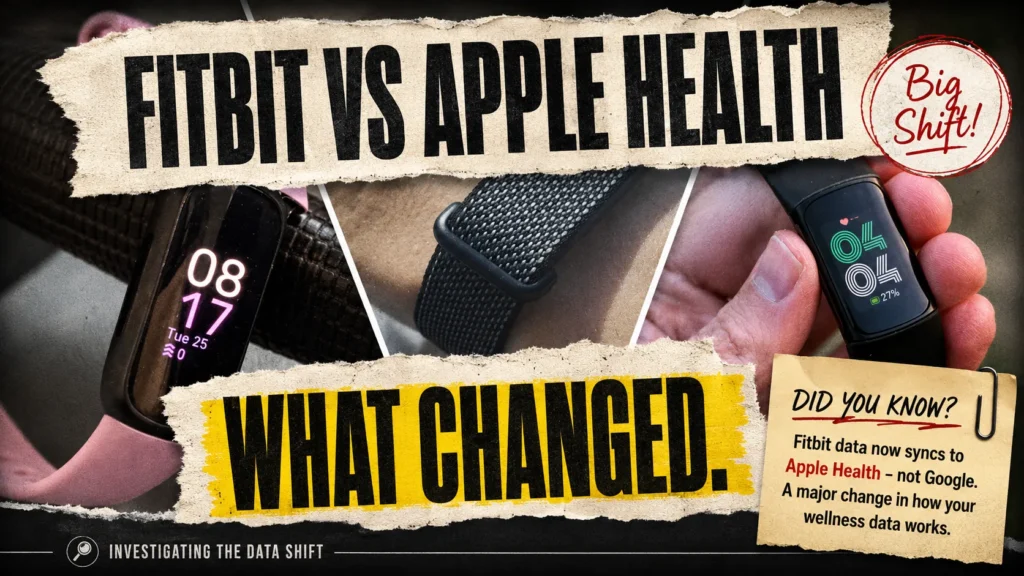
Google Health, the app formerly known as Fitbit, launched in May as a rebrand covering every tracker in Google’s fitness lineup, including the new Fitbit Air. Until this week, the connection only worked one way: Google Health could import your Apple Watch data, but nothing flowed back. Fitbit data can finally sync to Apple Health as of version 5.05, released Monday.
How Do I Use Apple Health with the Google Health App? Initial Setup
Before anything syncs, you need the basics in place. Update the Google Health app to version 5.05 or later from the App Store, confirm your iPhone runs iOS 16.4 or higher, and stay connected to Wi-Fi or cellular data during setup. You’ll also need to sign in with an adult Google Account rather than a legacy Fitbit login.
How to Sync Apple Health with Google Health App: Step-by-Step
Open the Google Health app and tap Connections in the top-left corner, then choose Apps and Services. Under “Add connections,” select Apple Health and tap Get Started. A consent screen titled “Sync Google Health with Apple Health” appears next, so tap Agree to continue.
Choose which data categories to share, either tapping Turn All Categories On or selecting individual boxes for steps, sleep, heart rate, or workouts. Tap Allow, then Done once the confirmation page appears. From here, your Fitbit connect to Apple Health link stays active until you manually disconnect it.
Turning On the New Two-Way Sync
The original setup only let Google Health read your Apple Health data. To send information the other direction, check the same Apple Health card inside Connections for a “Sync to Apple Health” option, then pick which categories, exercise records, sleep, vitals, and step counts, you want shared out. For the fullest, most current walkthrough, Google’s own support page covers every screen in detail.
Confirming It Worked
Open the iPhone Health app, tap your profile icon, then Apps and Devices, and look for Google Health in the list. Tap it to review exactly which categories are sharing data. If a metric looks missing, double-check permissions on both sides, since Apple Health and Google Health each maintain separate toggle switches for the same data types. ExpertReviewsPro’s latest news coverage tracks cross-platform updates like this one as they roll out.
Why Google and Apple Aren’t Fully “Linked”
Do Google and Apple work together here? Only partially. This update covers health and fitness metrics specifically, not a broader account merger. Apple and Google remain separate ecosystems with separate logins, and this sync exists because Google built a dedicated integration, not because the two companies share infrastructure.
Frequently Asked Questions
Does Google Fitbit Air sync with Apple Health?
Yes. The Fitbit Air, along with other Fitbit trackers, syncs through the Google Health app, which now shares exercise, sleep, steps, and vitals data with Apple Health as of version 5.05.
Why did my Fitbit change to Google Health?
Google rebranded the Fitbit app to Google Health in May 2026, expanding it to cover multiple trackers under one unified app while requiring users to sign in with a Google Account.
Can I sync Apple Health with Google Health?
Yes. Connect the two through the Google Health app’s Connections menu. As of version 5.05, data now flows both ways instead of only importing from Apple Health.
How to sync Google with Apple?
Open Google Health, tap Connections, then Apps and Services, select Apple Health, and follow the on-screen prompts to authorize the connection and choose which data categories to share.
Can you transfer your Apple Health information to Android?
Not directly through this update. This sync connects Google Health with Apple Health on iPhone specifically; it doesn’t move Apple Health data onto an Android device.
How do I sync apps to Google Health?
Most apps sync through Apple Health first, then flow into Google Health once you’ve connected the two. Check each app’s own settings for Apple Health sharing permissions too.
Which is better, Apple Health or Google Fit?
It depends on your hardware. Apple Health suits iPhone and Apple Watch users, while Google Health fits Fitbit and Android users better, though both now share data more easily.
What apps sync with Apple Health?
Hundreds of fitness and wellness apps sync with Apple Health, including Google Health, Strava, and MyFitnessPal, along with most major wearable brands, provided each app requests the right permissions.
Do Google and Apple work together?
On this specific feature, yes. Google built a direct integration between Google Health and Apple Health, though the two companies otherwise remain separate, competing ecosystems.
Are Apple and Google linked?
Not broadly. This update links health and fitness data specifically through the Google Health app. Your Apple ID and Google Account remain separate, unconnected logins otherwise.
How do I force Google to sync?
Open Google Health, go to Connections, tap Apple Health, and check for a manual refresh or reconnect option. Reinstalling the app also triggers a fresh permissions request.
The Bottom Line
Google Health finally gets Apple Health sync working in both directions, closing a gap that pushed a lot of frustrated users toward third-party workaround apps for years. If your data still isn’t appearing correctly, ExpertReviewsPro’s latest news section keeps tracking app updates like this one as fixes roll out.
This article contains affiliate links. If you purchase through our links, we may earn a commission at no extra cost to you. We only recommend products we genuinely believe in. Read our Affiliate Disclaimer for full details.