Google Wallet with new parental controls is officially here, and it changes how families hand kids their first bit of spending freedom. Instead of loose cash or a hand-me-down debit card, parents in the US can now fund a supervised Google Wallet balance that their kid taps to pay with directly. Google says the goal is teaching smart money habits without opening a full bank account. Here is exactly how it works, and how to set it up.
What Google Just Announced
Google confirmed the update through its official Google blog, saying parents in the US can now set up a secure balance in Google Wallet for children and teens under 18. Kids spend that balance by tapping an NFC-enabled Android phone or Wear OS smartwatch at checkout, anywhere Google Pay is accepted.
As Android Police reported, Google frames this as “a practical way to teach children smart money habits and give them independence, all without needing to open a bank account.” It is a small phrase, but it explains the entire strategy behind Google Wallet for kids.
How Google Wallet’s Tap-to-Pay for Kids Actually Works
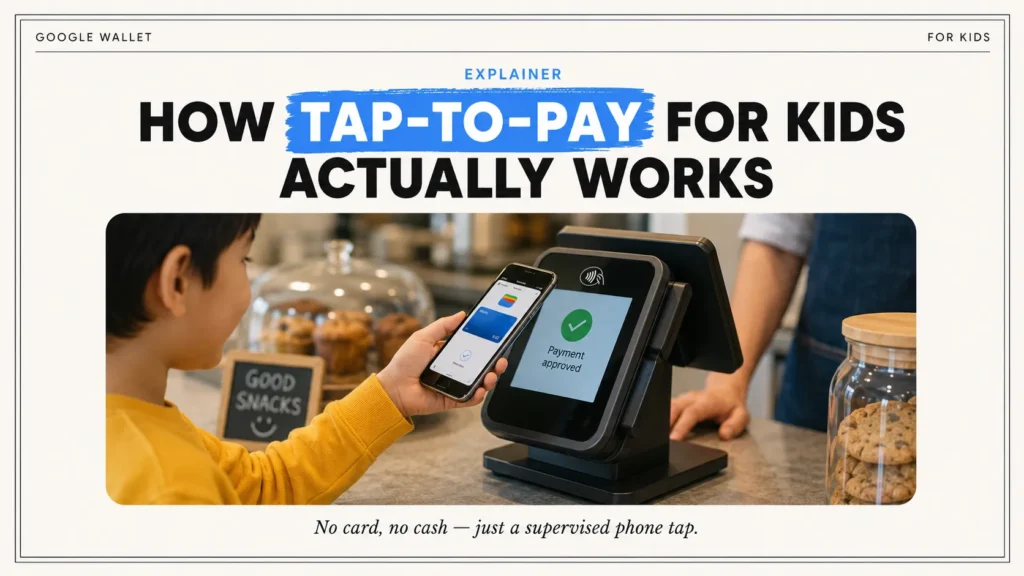
The mechanics are simple on the child’s end. Once a parent funds the balance, the kid opens Google Wallet on their own phone or smartwatch and taps to pay just like an adult would with a regular card. No cash changes hands, and no physical card needs to stay in a backpack pocket.
- Works on NFC-enabled Android phones and Wear OS smartwatches
- Accepted anywhere Google Pay is accepted for contactless payments
- Draws only from the supervised balance, not a parent’s main account
- Currently limited to in-person, tap-to-pay purchases, not online shopping
How to Set Up Google Wallet for Kids Under 13 (and Teens)
Everything runs through Family Link, Google’s existing parental control app. If your child already has a supervised Google Account, most of the setup happens in a few taps. Google’s own Family help center walks through the full process, but the short version looks like this.
Step 1: Open Family Link
On your phone, open the Google Family Link app and select your child’s profile from the family group.
Step 2: Go to Google Wallet Controls
Tap Google Wallet in your child’s settings. If you’re setting up Wallet for the first time (or, in the U.S., setting up a supervised balance), you’ll see the option to begin the setup.
Step 3: Verify Your Identity
Google will ask the family manager to verify their identity before completing the setup. Depending on your region, this may involve confirming your passkey or password, reviewing the terms, and providing identity information. If additional verification is required, Google may ask you to upload documents before setup can continue.
Step 4: Complete the Wallet Setup
Follow the on-screen instructions to finish enabling Google Wallet for your child’s supervised account. In the U.S., the family manager will also create a 4-digit PIN for the child’s Wallet balance, which the child will use for tap-to-pay purchases.
Step 5: Finish Setup on Your Child’s Device
Your child will receive a notification on their Android device. They should open the notification, follow the prompts, and complete the Wallet setup. If the device doesn’t already have a screen lock, they’ll be asked to create one before Google Wallet can be used.
Step 6: Add Money (U.S. Balance Feature Only)
If you’re in the United States and using the Google Wallet balance for kids, you can fund your child’s balance.
Google Wallet for kids under 13 works the same way as it does for older teens, since Family Link is built around supervised accounts rather than a strict age cutoff. The account simply stays supervised for longer, which Google actually recommends.
Spending Limits, Alerts, and Remote Lock: What Parents Control
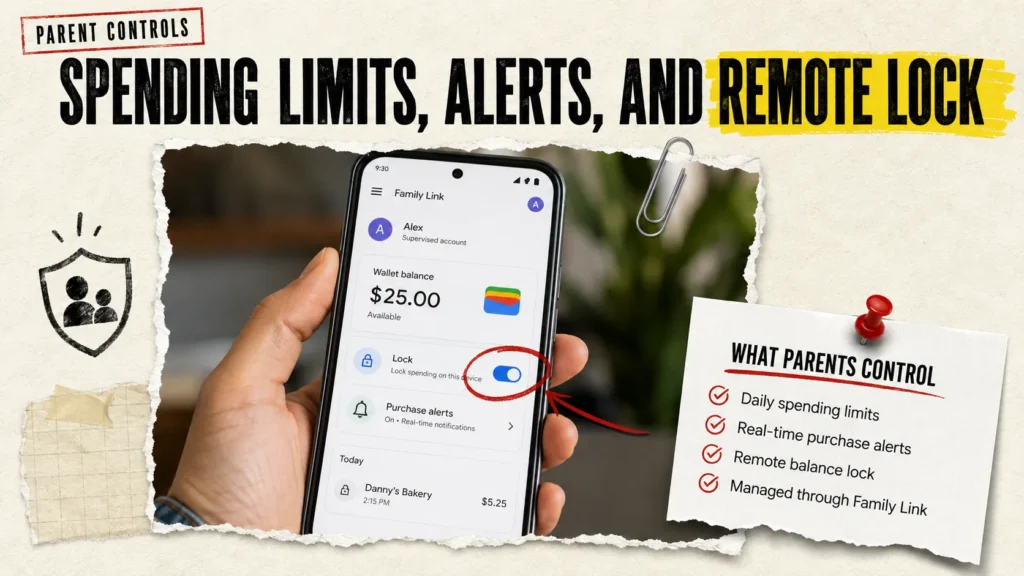
This is where Google Wallet with new parental controls actually earns its name. Parents are not just handing over money and hoping for the best. Every part of the balance stays visible and adjustable from Family Link.
- Set a daily spending limit that caps how much a child can tap to pay
- View real-time transaction history for every purchase
- Receive Family Link alerts whenever a payment goes through
- Lock or unlock the balance instantly if a device is lost or misplaced
According to Bloomberg’s reporting, Google Wallet adds parent-to-kid transfers for minors in US as the headline feature here, with automated recurring payments, essentially a digital allowance, described as coming soon rather than available at launch.
This Isn’t the Same as the Old Wallet Card Feature
Here is something a lot of coverage glosses over. Google Wallet already let kids add a parent-approved payment card to their own account, a feature that rolled out earlier this year to the US, UK, Australia, Spain, and Poland. That version depended on a linked bank card and the card issuer’s own spending controls.
The new supervised balance is different. It lives entirely inside Google’s own system, funded directly from a parent’s account rather than borrowed from a bank card. It also gives Google, not a card issuer, direct control over daily limits. For now, this newer feature is US-only, while the older card-linked option remains the broader international rollout.
How Google Wallet for Kids Compares to Apple Cash Family
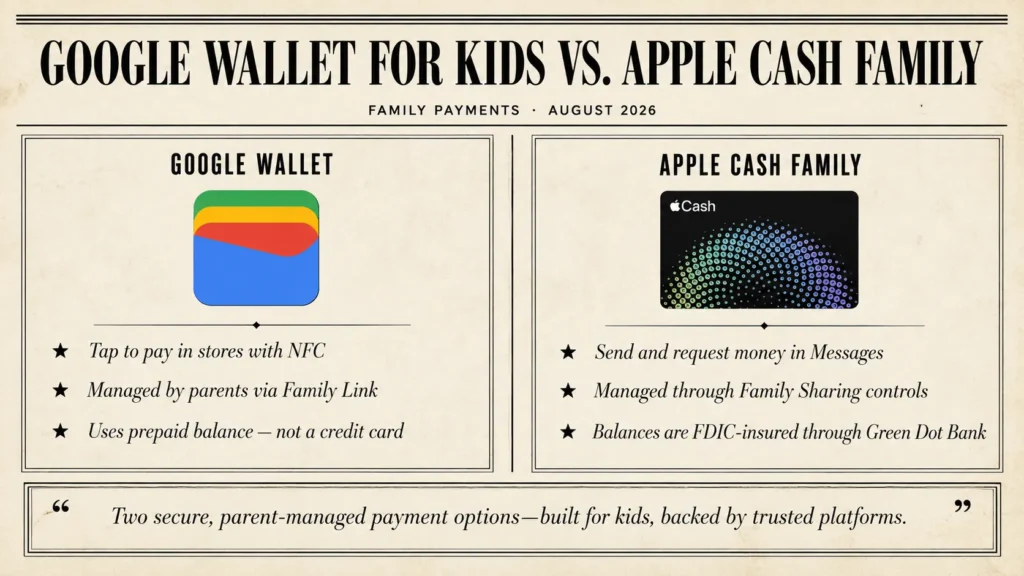
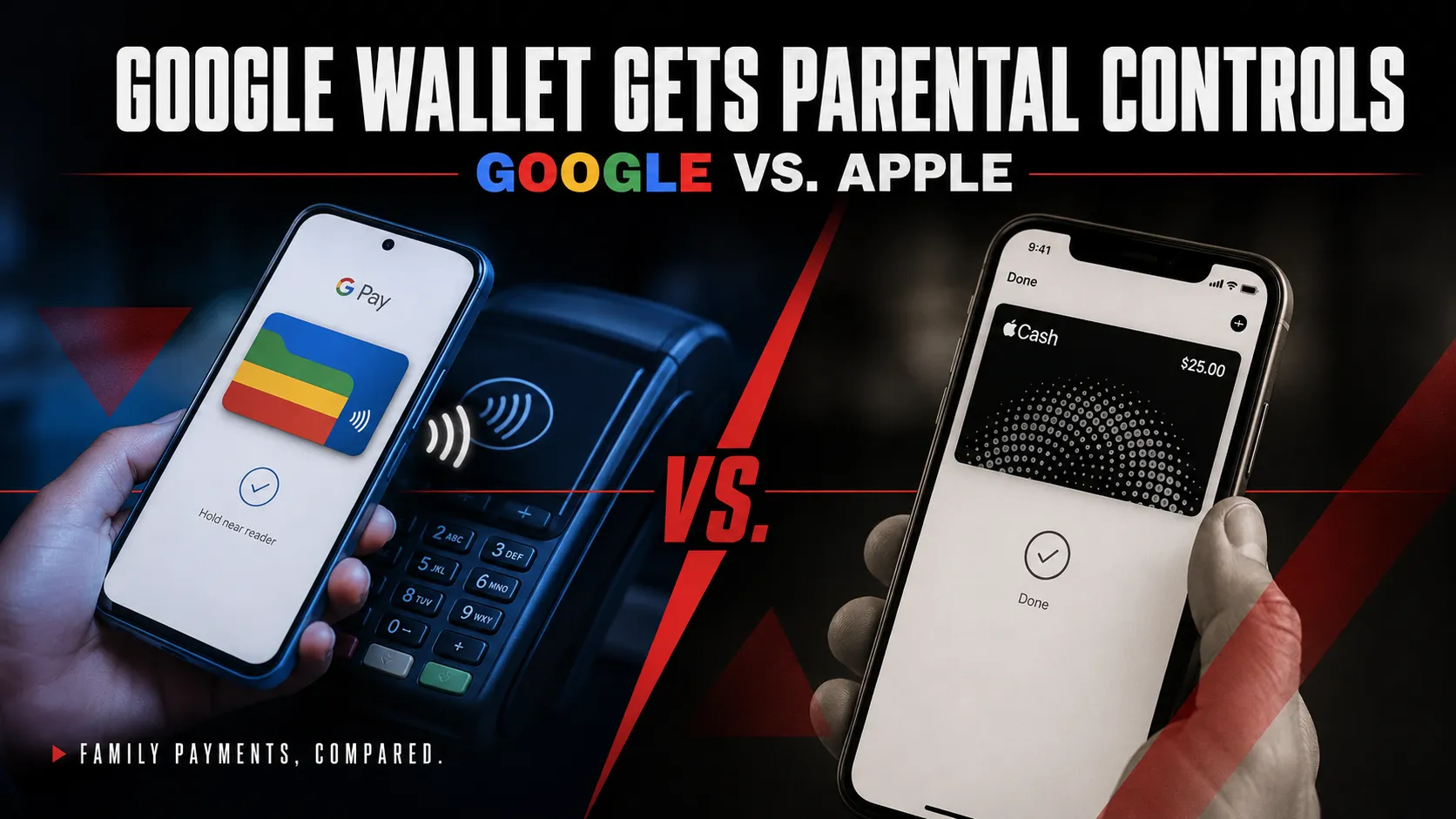
Google is clearly aiming at a target here. As TechCrunch noted, the update brings Google Wallet more in line with Apple Cash Family, which already lets parents send money to kids while monitoring spending. It also puts Google in the same space as fintech apps like Greenlight and FamZoo, which built entire businesses around prepaid cards for kids.
The core difference right now is scope. Apple Cash Family supports peer-to-peer transfers between family members, while Google Wallet for kids currently sticks to in-person tap-to-pay. If you’re weighing devices for the whole family, it’s worth checking what’s coming from Apple too, since our Apple iPhone 18 Pro Max preview covers the hardware side of that comparison.
Is Google Wallet for Kids the Same as a Bank Account?
No, and Google is careful about that distinction. The supervised balance is not a bank account, a debit card, or a savings product. It is a parent-funded balance that lives inside Google Wallet, designed to teach spending habits rather than replace real banking.
Supervision can be removed once a child turns 13, but doing so closes out any remaining balance. Google actually recommends parents keep supervision active even after a child turns 18, at least until the money in the balance has been spent.
Which Devices and Countries Support It Right Now
Google Wallet’s supervised balance works on NFC-enabled Android phones and Wear OS smartwatches, and it’s currently limited to families in the US. That timing lines up with a busy stretch for Google’s Android ecosystem generally, with the Pixel 11 lineup arriving soon as some of the newest NFC-ready hardware the feature will run on.
Google has been rolling out family-focused updates elsewhere too. Around the same time as this Wallet news, the company also updated Google Search Console to let site owners add social profiles, a reminder that Google tends to ship several product updates in the same news cycle rather than one at a time.
Frequently Asked Questions
How to allow Google Wallet on Family Link
Open Family Link, select your child, then tap Wallet under Controls to turn on payment access. Parents must verify their identity before a supervised balance becomes active.
How does Google Wallet’s tap-to-pay for kids work?
Kids tap their NFC-enabled Android phone or Wear OS smartwatch at checkout wherever Google Pay is accepted. Funds come from a parent-managed balance, not a physical card or bank account.
How do I set up a Google Wallet balance for my child?
In Family Link or the Google Wallet website, select your child’s account, create a supervised balance, then transfer money from your own account. Spending limits and alerts can be added at the same time.
What spending limits can parents set on Google Wallet for kids?
Parents can set a daily spending limit on the supervised balance and track every transaction in real time through Family Link, adjusting the limit whenever needed.
Which devices support Google Wallet tap-to-pay for children?
Any NFC-enabled Android phone or Wear OS smartwatch running Google Wallet supports the feature, as long as the device is linked to a supervised Family Link account.
How is Family Link used to manage a child’s Google Wallet?
Family Link is the control center. Parents use it to fund the balance, set limits, view purchase history, receive alerts, and lock or unlock spending instantly.
Can I lock my child’s Google Wallet remotely if they lose their phone?
Yes. Parents can lock the supervised balance instantly from Family Link or the Wallet website, pausing all spending until the device is found or the lock is lifted.
Is Google Wallet for kids the same as opening a bank account?
No. The supervised balance works alongside a parent’s existing account and doesn’t require a traditional bank account for the child, though Google notes it isn’t meant to replace one.
How does Google Wallet for kids compare to Apple Cash Family?
Both let parents fund a balance, set limits, and monitor spending. Google Wallet currently limits purchases to in-person tap-to-pay, while Apple Cash Family also supports peer-to-peer transfers.
Is Google Wallet’s supervised balance available outside the US?
Not yet. The new supervised balance is rolling out to US families first. An older feature letting kids use a supervised payment card is already live in the UK, Australia, Spain, and Poland.
Can parents schedule automatic allowance payments through Google Wallet?
Not at launch. Google says parents can currently send money manually, with scheduled automatic payments described as a feature coming soon.
What age can kids start using Google Wallet with parental controls?
The supervised balance is designed for children and teens under 18, managed through a Family Link account that parents typically set up well before their child turns 13.
The Bottom Line
Google Wallet with new parental controls turns a familiar problem, handing kids money without losing track of it, into something Google can actually manage from a parent’s phone. It won’t replace a real bank account, and it’s US-only for now, but as a starter tool for teaching kids how to spend responsibly, it’s a genuinely useful middle ground.